

Note: Payments made through the store will require a shipping quote.
Zero Gravity Workstation Customizations
Integrated zero gravity workstations feature a built-in chair as part of the overall design. In contrast, non-integrated zero gravity workstations do not include a chair, which means there is no need to select options such as cushion type and thickness or cushion cover type and color.

1. Choose Your Cushion Type & Thickness
Default Option: The standard cushion type and thickness are as follows:
- First layer: 2 inches of polyurethane foam.
- Second layer: 3 inches of memory foam.
90 percent of our clients go with the default option.
Customization Options – If you’re allergic to poly or memory foam, or if you want to customize your cushion type and thickness, you can select from the available customization options.
Cushion types:
- Memory Foam: Easily shapes to your body; lifespan of 10 years.
- Latex: Breathable and eco-friendly; lifespan of 20 years.
- Poly Foam: Resistant to damage, lightweight, and highly insulating.
Cushion thicknesses:
- 1 inch
- 2 inches
- 3 inches
2. Choose Your Cushion Cover Type and Color
Default Option – The standard cushion cover comes in cotton material with a black color.
Customization Options:
If you have a cotton allergy or prefer a different material or color, customization is available. You can select from the following materials:
- Cotton: Wrinkle resistant, quick drying, stain resistant, and hypoallergenic.
- Leather: Natural material that becomes better with age; flexible and durable.
- Vinyl: Easy to clean with an appearance and durability similar to leather.
You can also choose from various color options for each material type:
Cotton, Leather, and Vinyl.3. Choose Your Monitor Size and Configuration
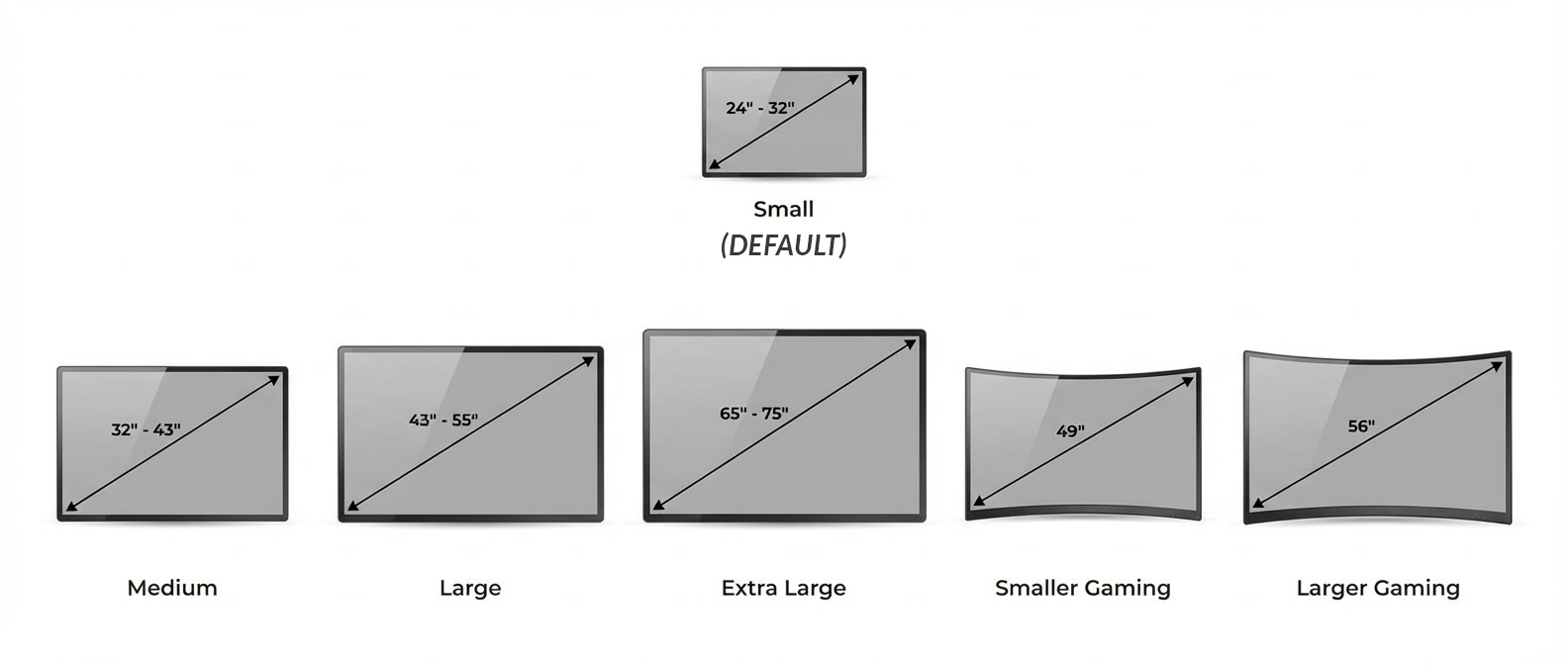
Default Option: The standard monitor size setting is small, which includes monitors ranging from 24 inches to 36 inches.
Customization Options:
- Medium monitors are 32” to 43”.
- Large monitors are 43” to 55”.
- Extra Large monitors are 65” to 75”.
- Smaller Curved Gaming monitors are 49”.
- Larger Curved Gaming monitors are 56”

Monitor Mounting Positions:
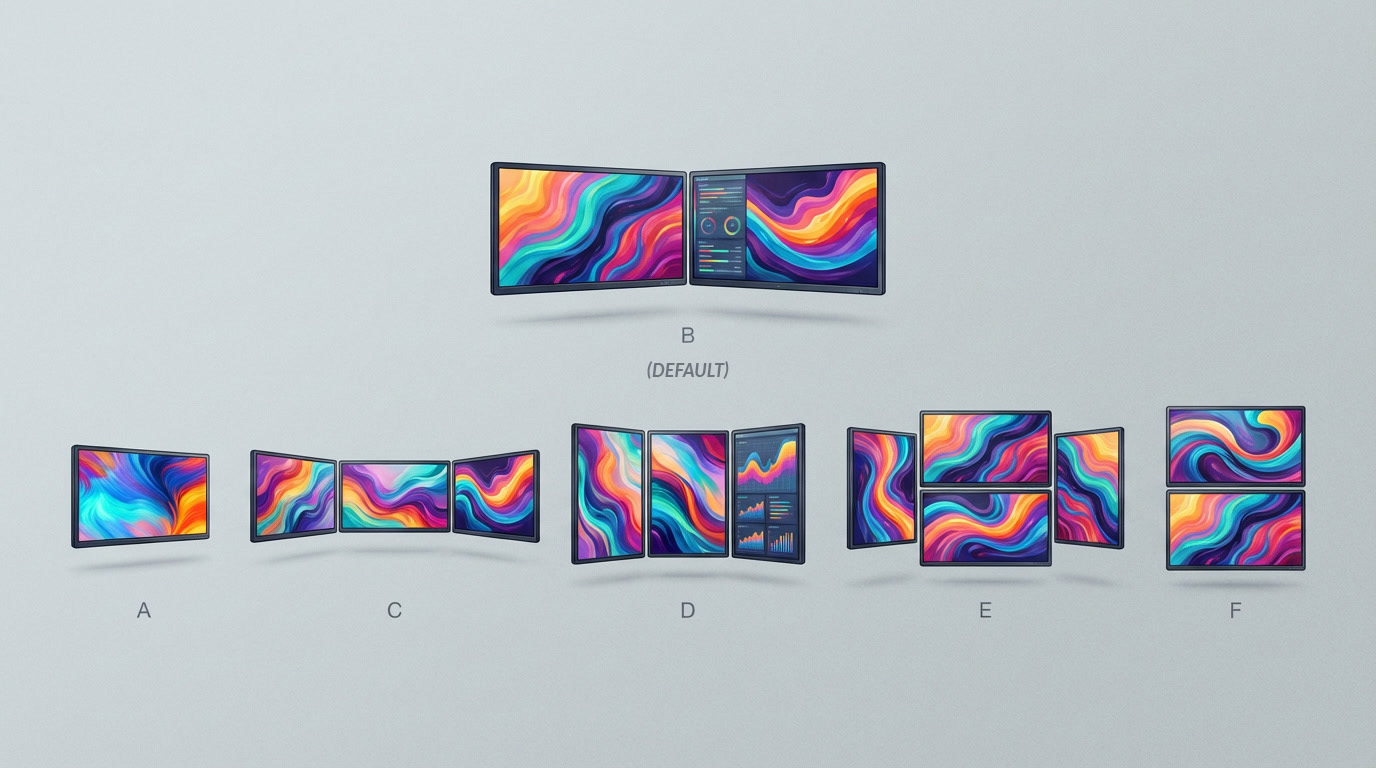
The default monitor configuration is B, which is two monitors side by side.
Customization Options:
There are several monitor configurations available, ranging from setups with one to four monitors. Options include a single monitor, triple monitors arranged either horizontally or vertically side by side, double horizontal monitors with a vertical monitor on each side, as well as dual horizontal monitors stacked vertically. These various arrangements allow users to customize their workspace according to their specific needs and preferences.

4. Choose Your Tray Type
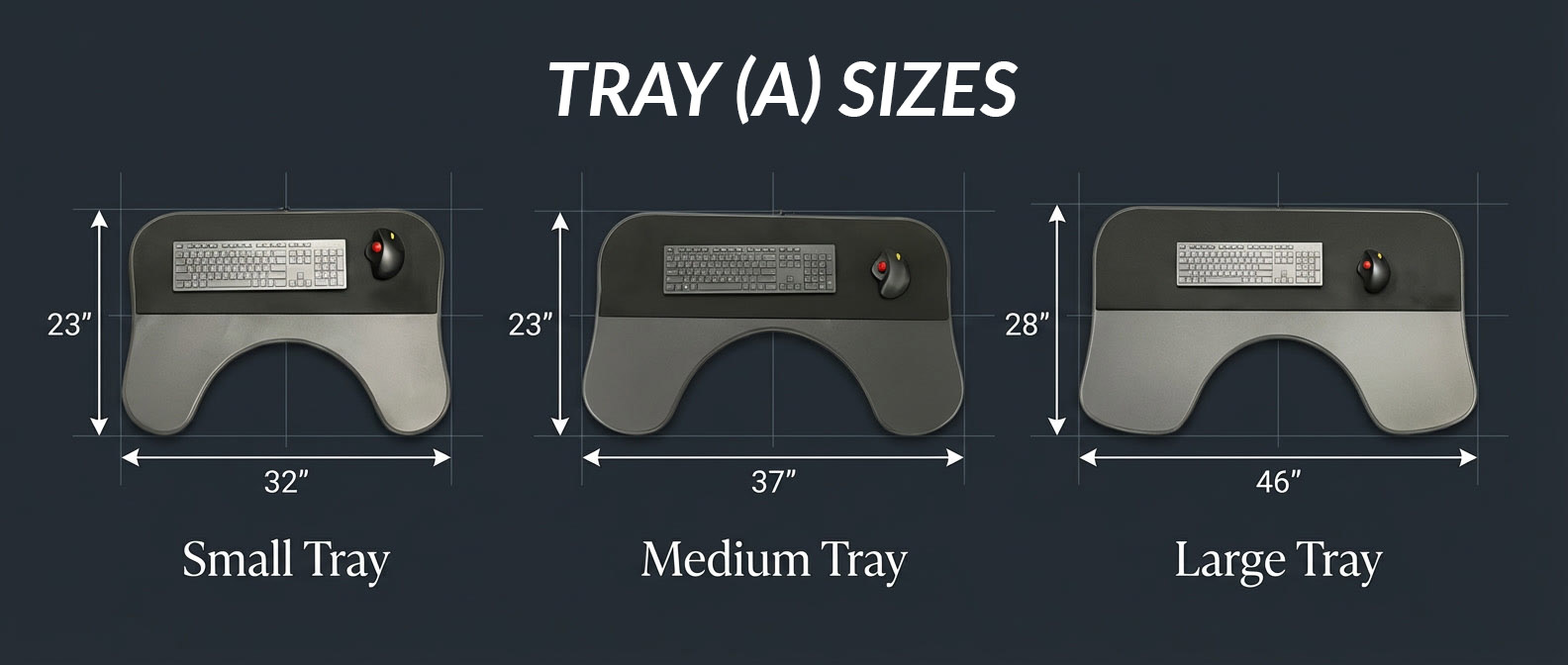
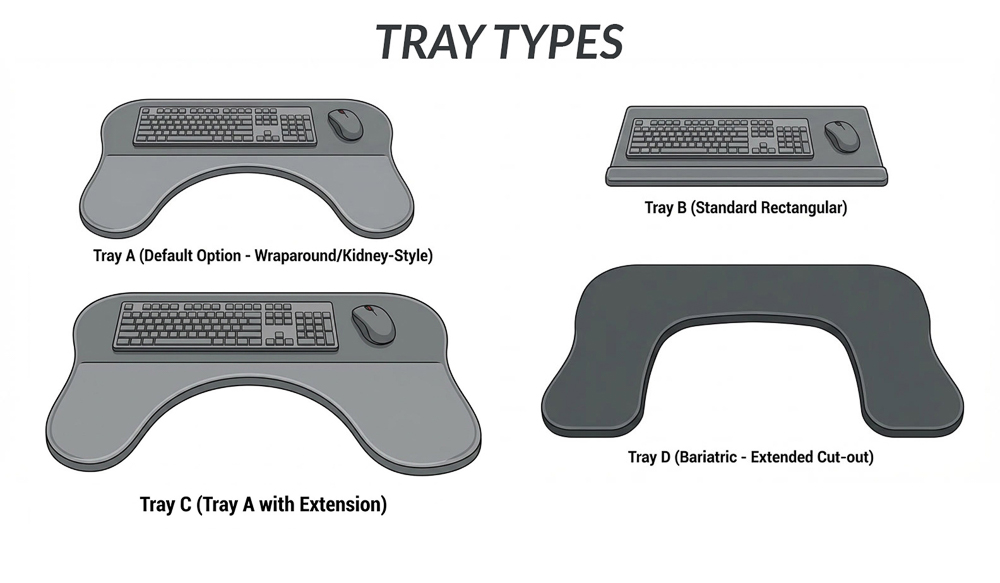
Default Options: Tray A, also known as the wraparound or kidney-style tray, is the default tray option. It is available in three sizes: Small, Medium, and Large.
Customization Options:
- Tray B (the standard rectangular tray) is smaller than Tray A.
- Tray C is identical to Tray A but includes a writing surface extension on either the left or right side.
- Tray D is bariatric, featuring an extended, deeper cut-out designed for larger bodies.
If none of these options work, we can build a customized tray to suit your specific needs.

5. Choose Your Assembly Help
You have two assembly options to choose from:
- Default Option – Self Assembly: A technician will remotely guide you through the process of assembling your workstation.
- Other Option – Professional Assembly: A technician will handle the entire process, including unpacking the workstation, moving it into your residence, and completing the assembly within a three-hour timeframe.
6. Add Lumbar Support System (OPTIONAL)
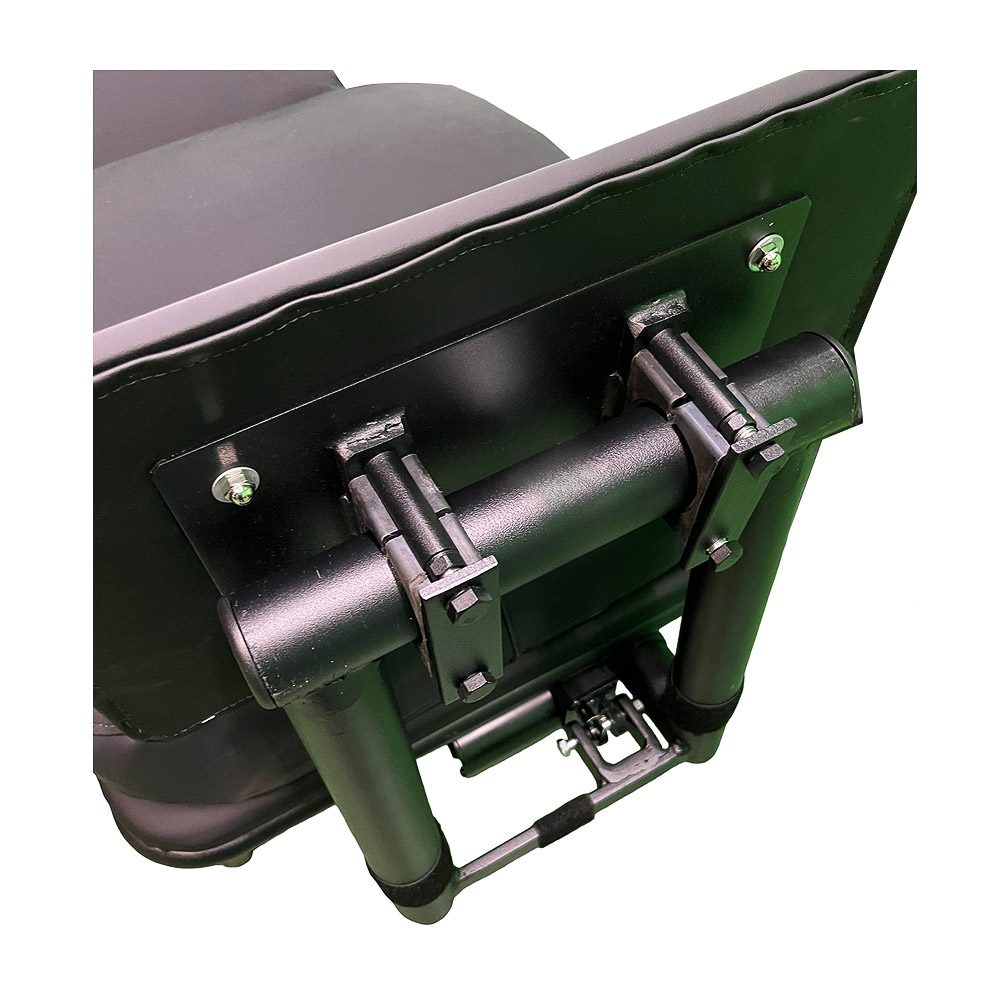
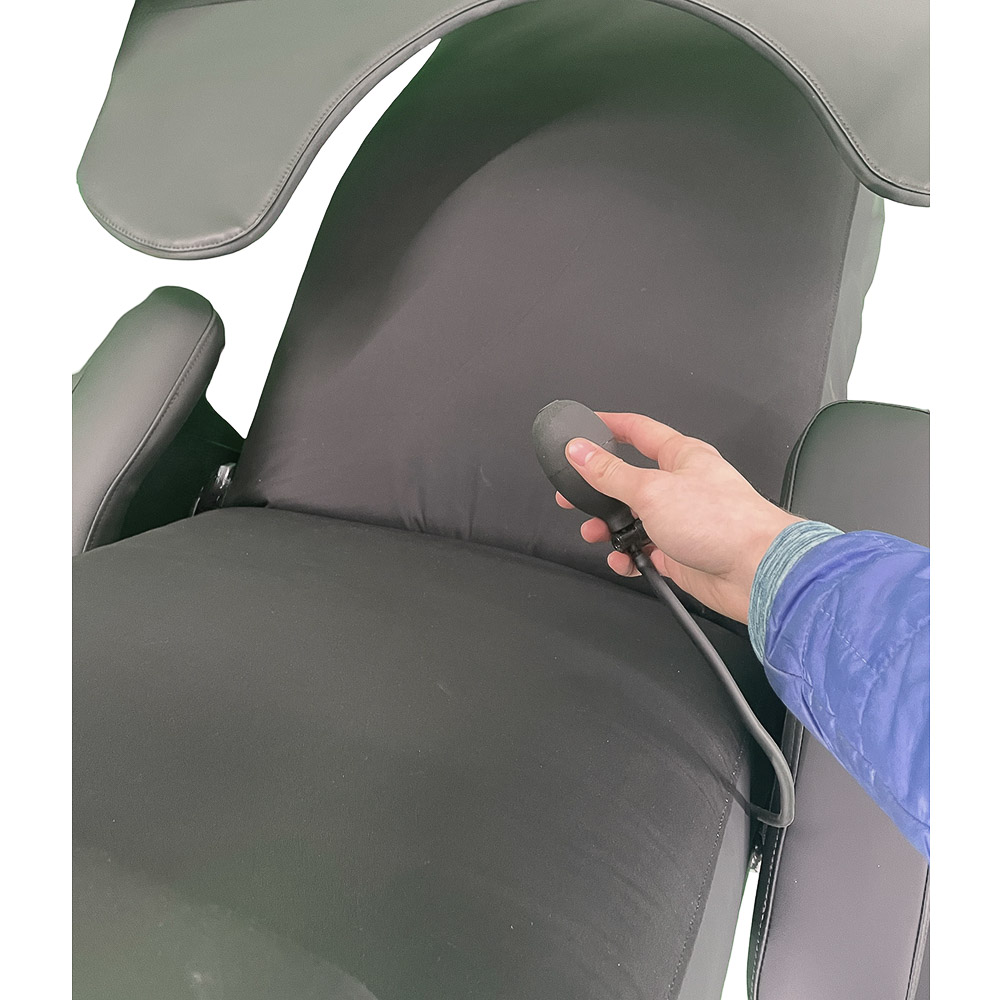
ErgoQuest offers the option to install lumbar support in the chair back, which can be adjusted by inflating or deflating it with a manual air pump. This feature allows users to customize their seating comfort according to their preferences.
7. Choose Your Accessories (OPTIONAL)
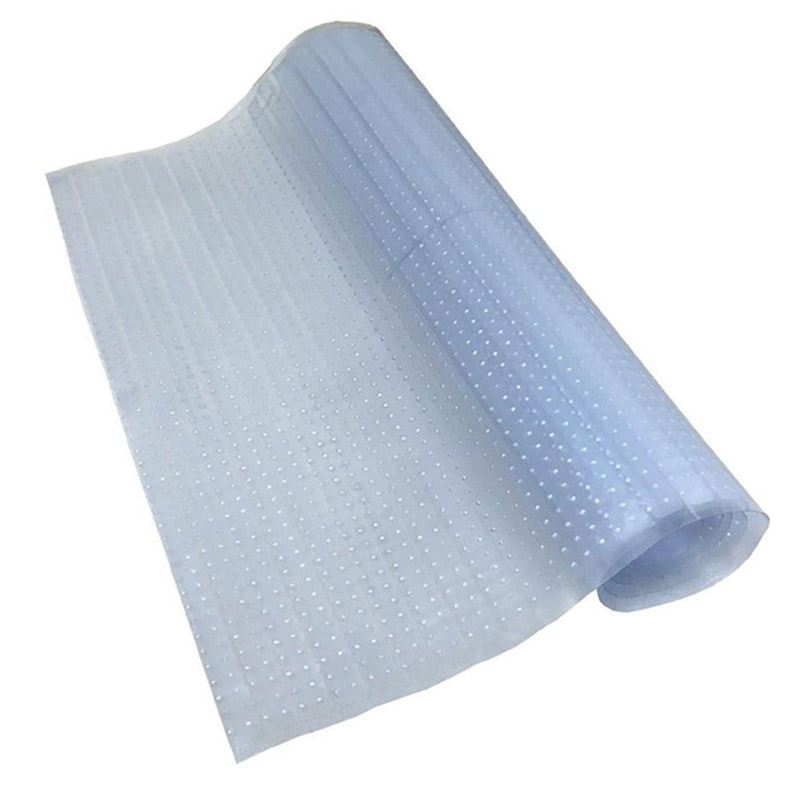
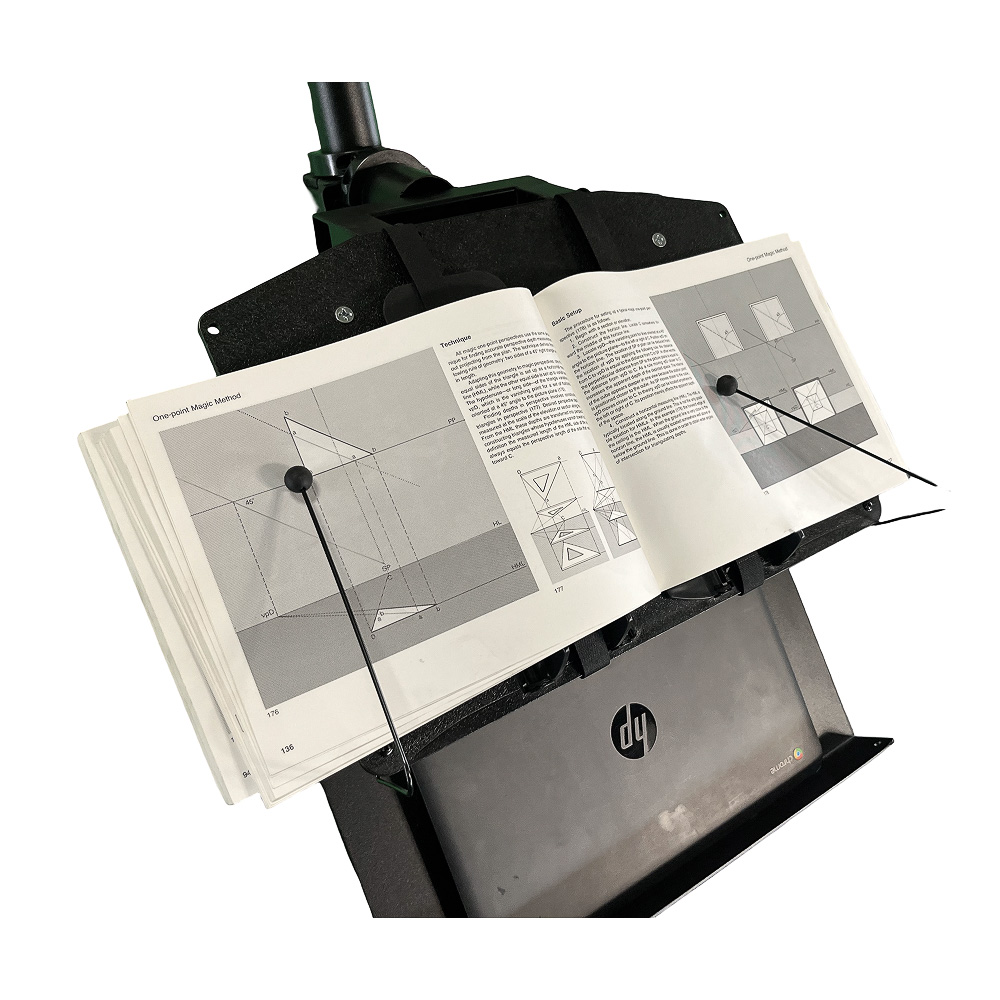
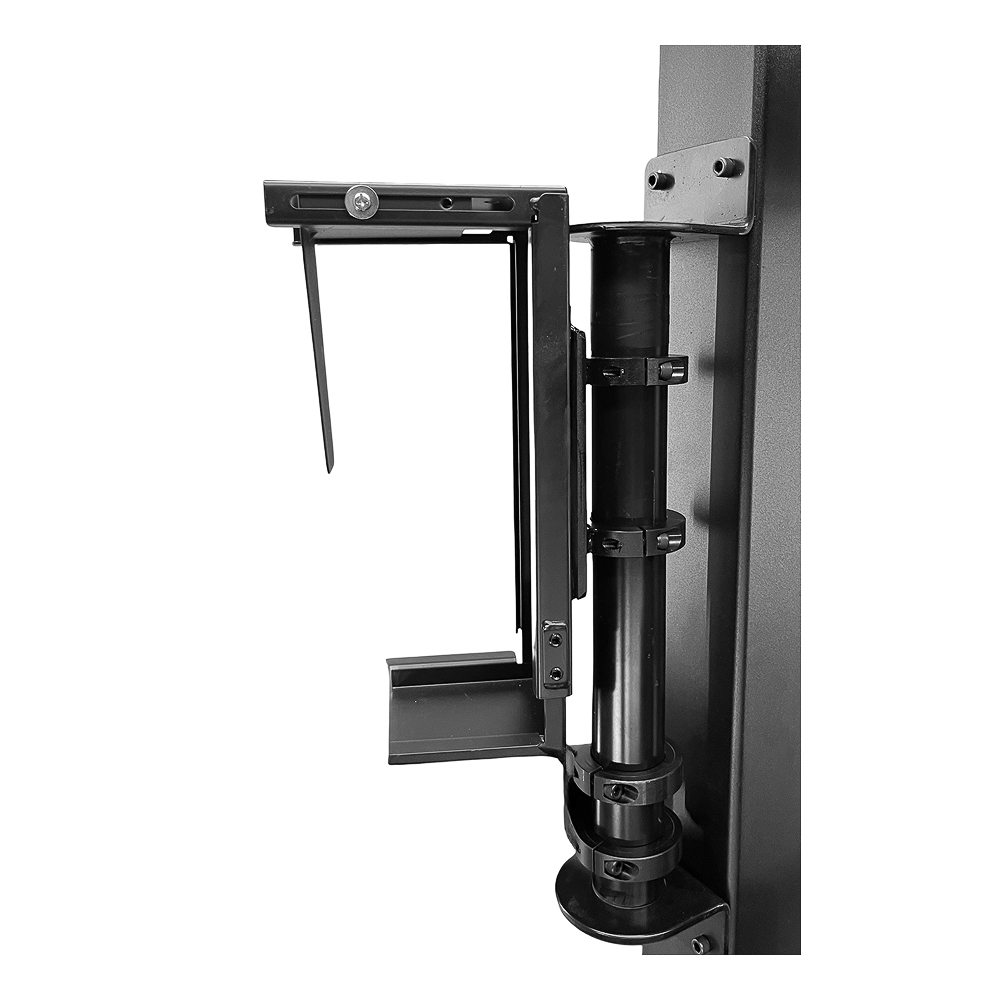
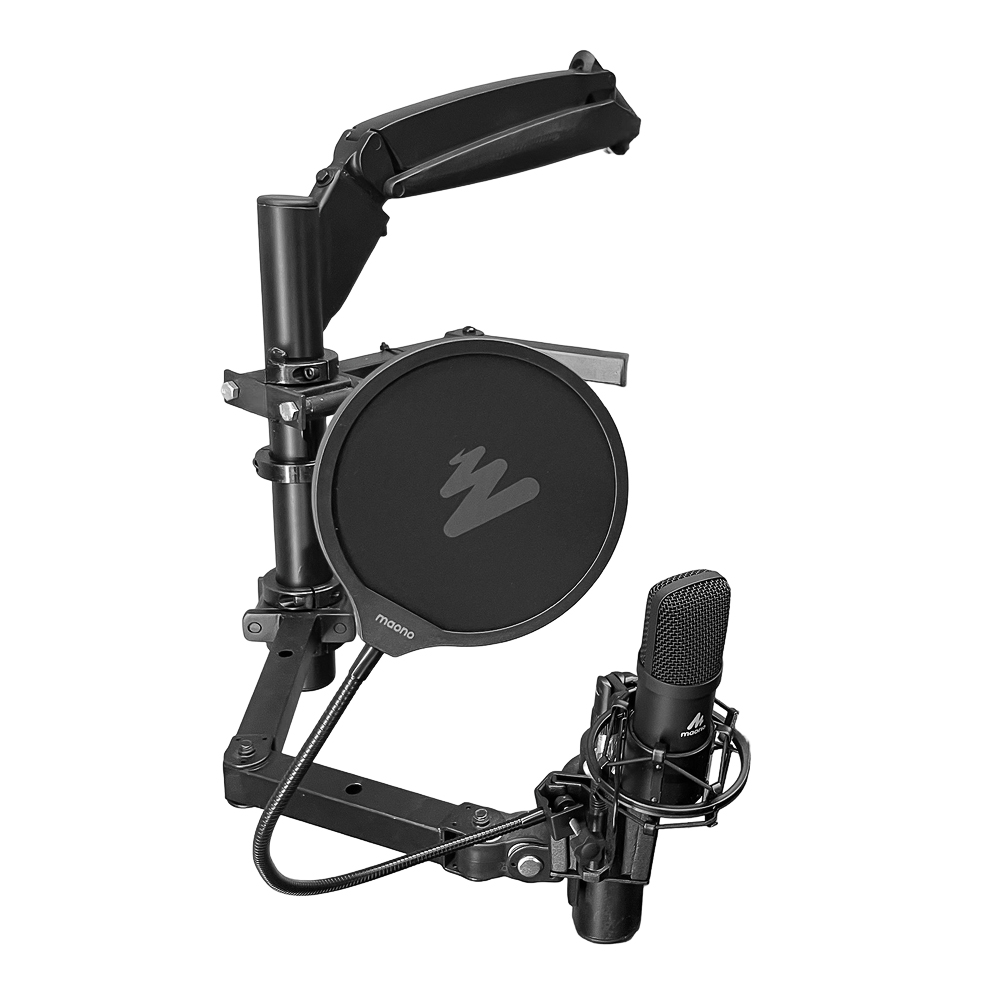
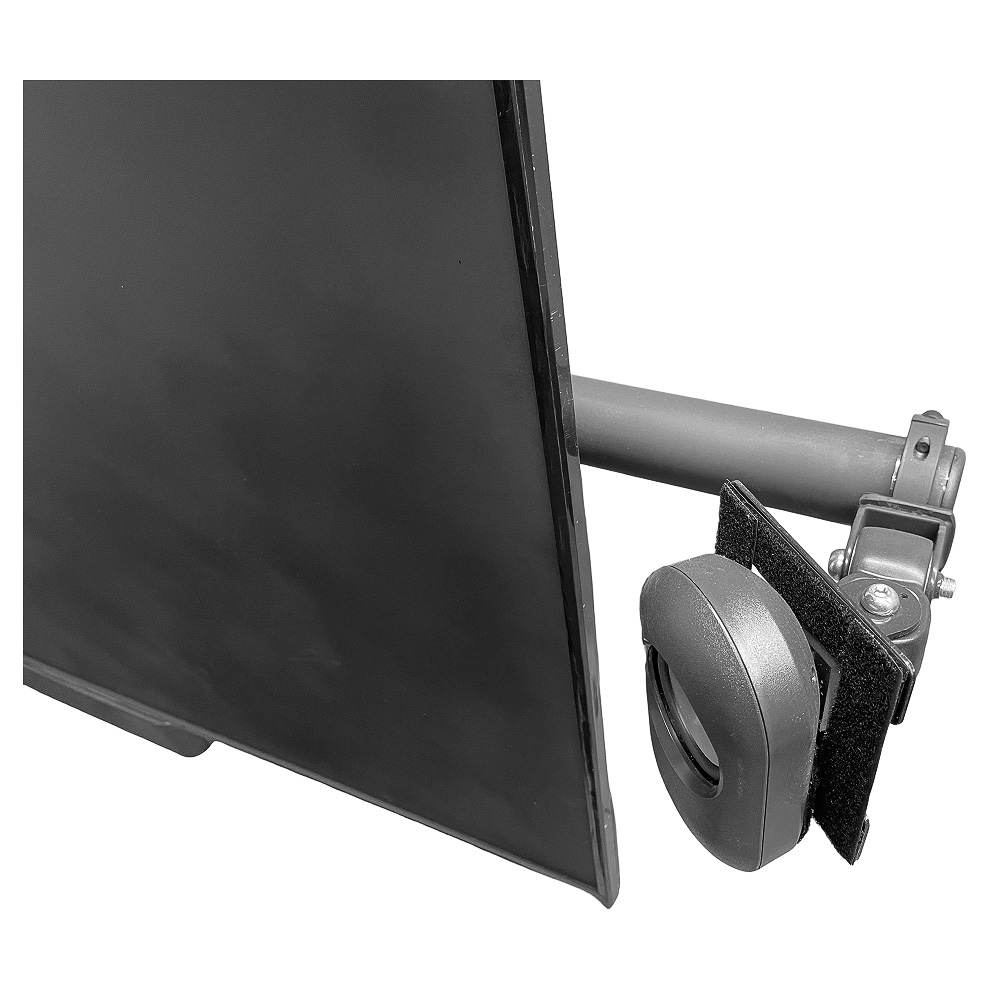
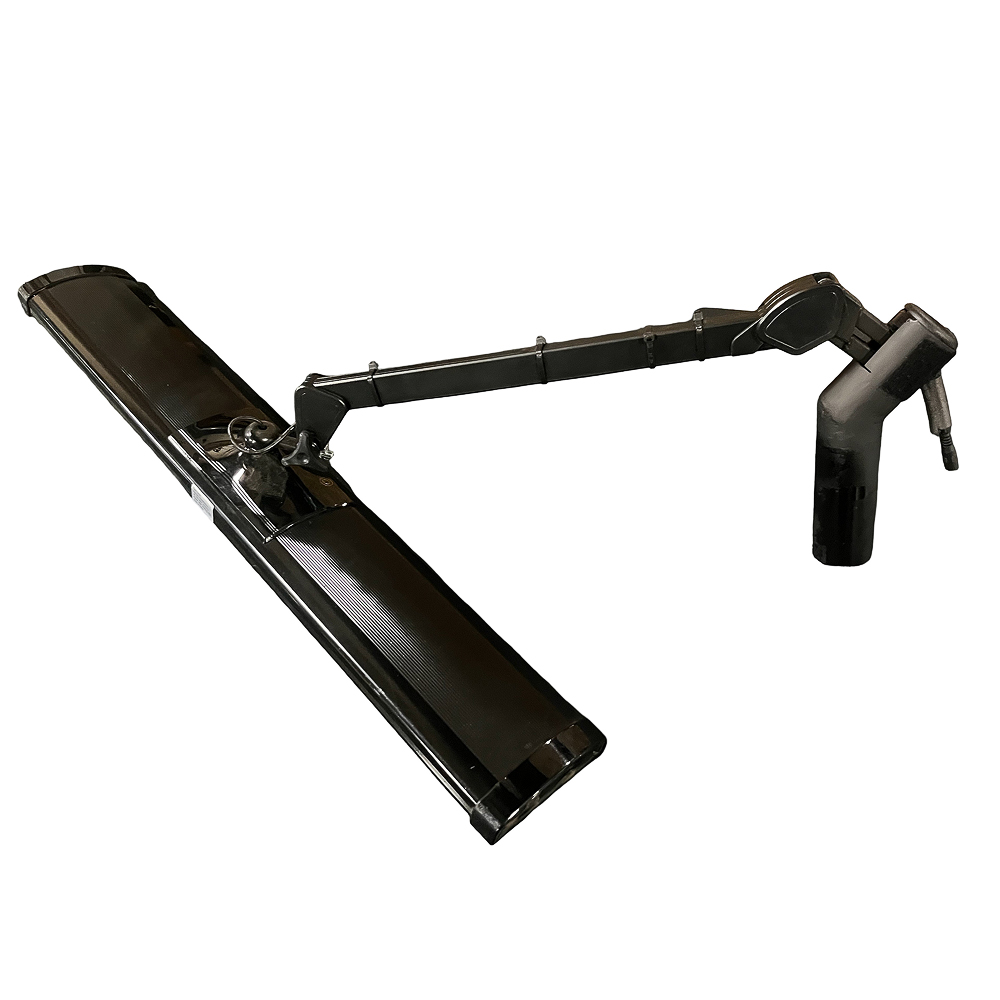
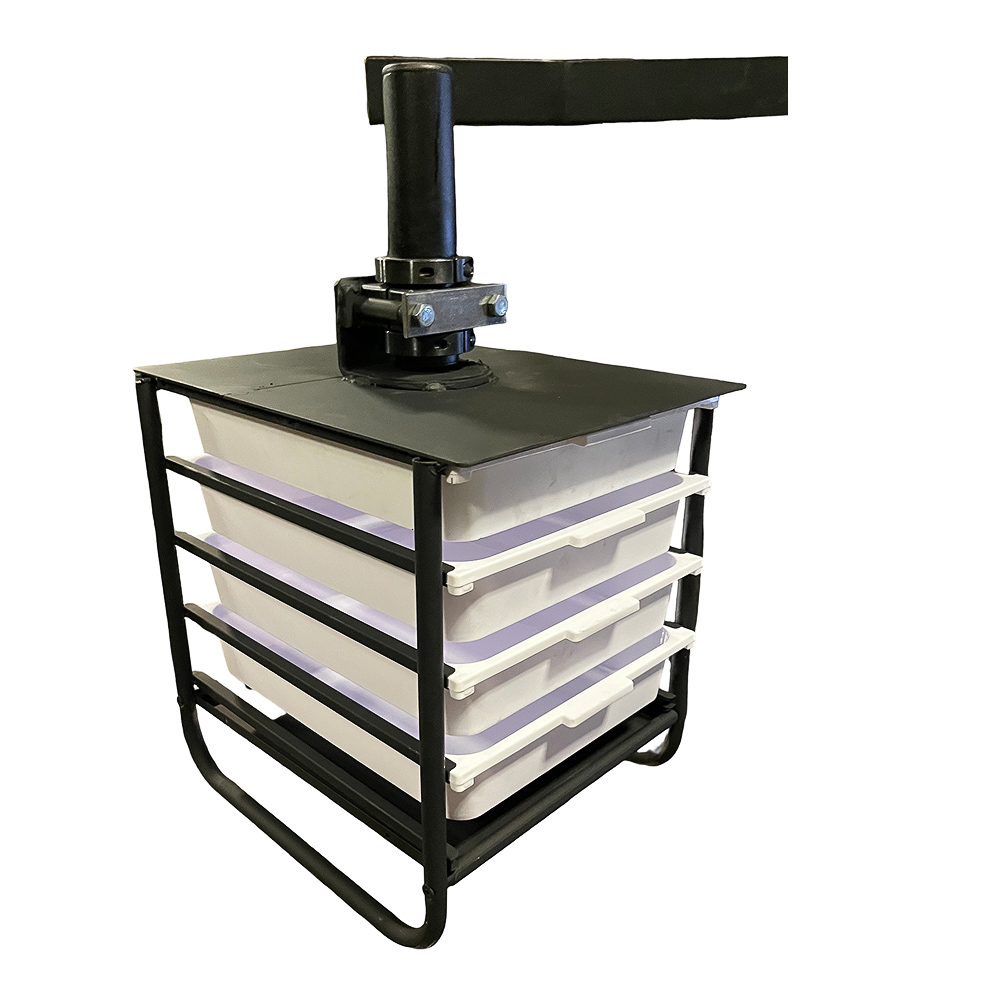
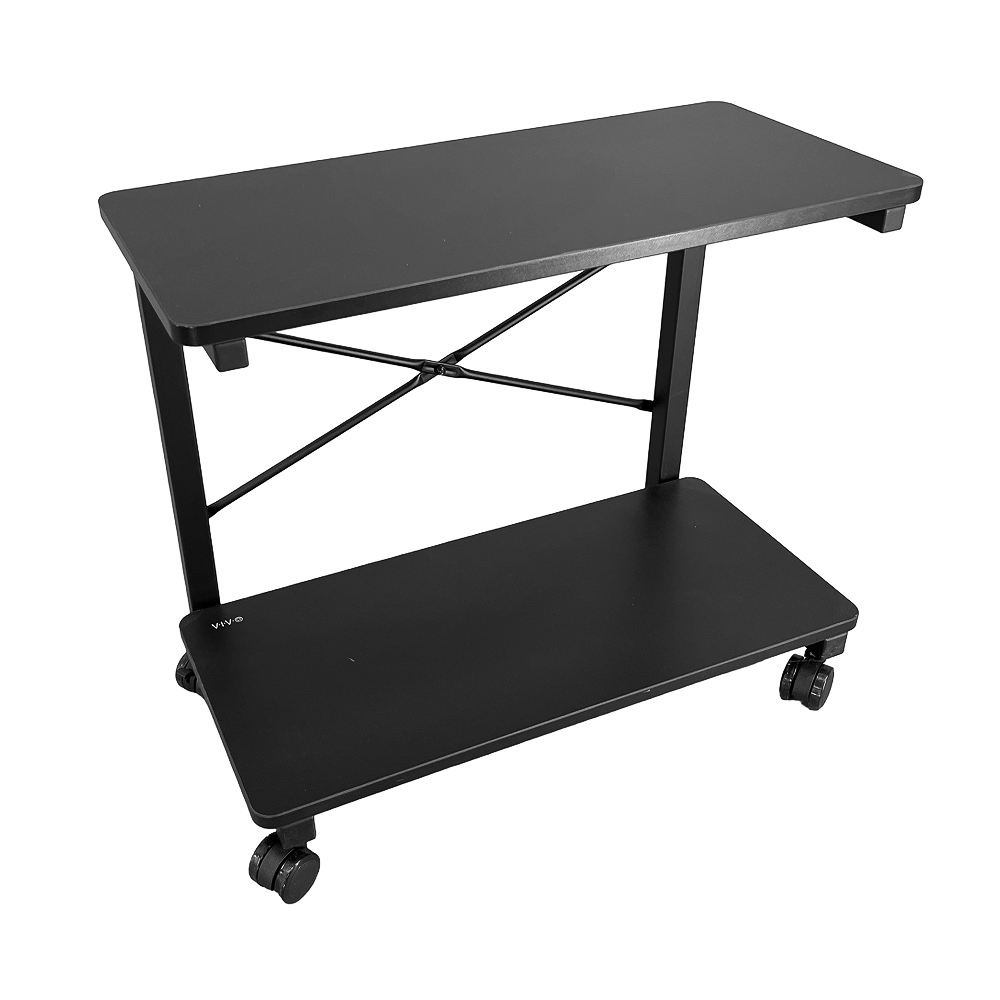
ErgoQuest offers a range of additional accessories designed to enhance the functionality of our zero gravity workstations and chairs. To give just a few examples: we offer a Carpet Protector to safeguard your flooring, a Laptop Tray to place a laptop for easy access, a Book Holder to place a book for easy access, a CPU holder, a Foot Pedal to increase blood circulation to the feet, Lumbar Support for additional support and comfort, a Microphone Holder for easy microphone access, a Speaker Mount, a High Intensity Task Light, a Multi-Drawer Storage Caddy to store papers and small items for easy access, and a Side Table for added workspace. For more information about the accessories we offer, please Contact Us.


8. Fill Out Your Body Dimensions
Please review our Body Dimension form to help us provide you with a zero-gravity workstation tailored to your specific measurements. This will ensure an optimal fit and maximum comfort.